• This forum is the machine-generated translation of www.cad3d.it/forum1 - the Italian design community. Several terms are not translated correctly.

problem put in the table of the isometric view

  • Thread starter Thread starter pasquale83
  • Start date Start date

pasquale83

Guest
Good morning, boy.

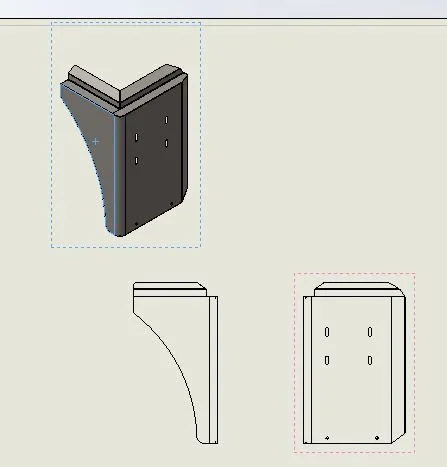
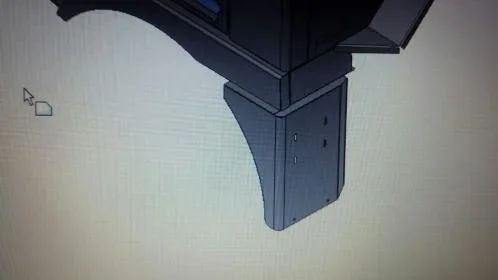
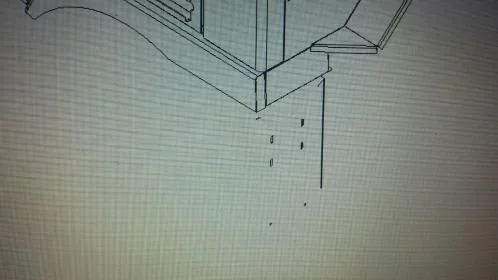
allego 2 photos taken on the flight of the viewer

I don't know how to fix

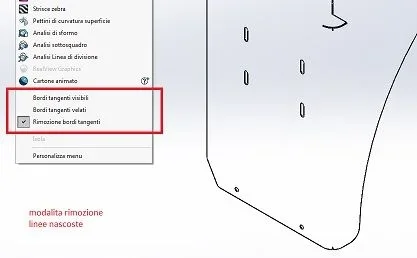
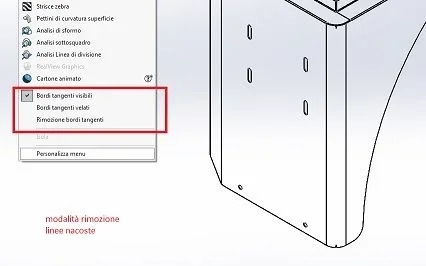
in one I selected in <stile di="" visualizzazione=""> "shaded with edges" </stile>WhatsApp Image 2017-07-12 at 12.32.58.webpin this other I selected "removal hidden lines" (the classic voice for the table harvests)WhatsApp Image 2017-07-12 at 12.33.37.webpis clear the error I hope
 
and what tips would you like based on two images without knowing anything else?
 
You could also ask what information you need:tongue:

It is a mistake that alone me with a set, but the part that generates error is a subaxieme,
the error does not occur:confused:


ah... it's all in "lamiera"
I don't know that info can serve
 
I'm staying what I said, I remember badly,
in the subassieme is not present the component that generates the error

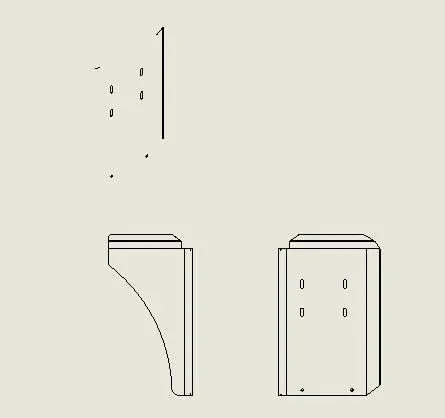
I made 2 catches of the single component table
 

Attachments

  • Cattura.webp
    Cattura.webp
    3 KB · Views: 25
  • Cattura1.webp
    Cattura1.webp
    9.5 KB · Views: 25
if it is only one component that from allegal problems that you look at it without having to shoot random hypotheses
 
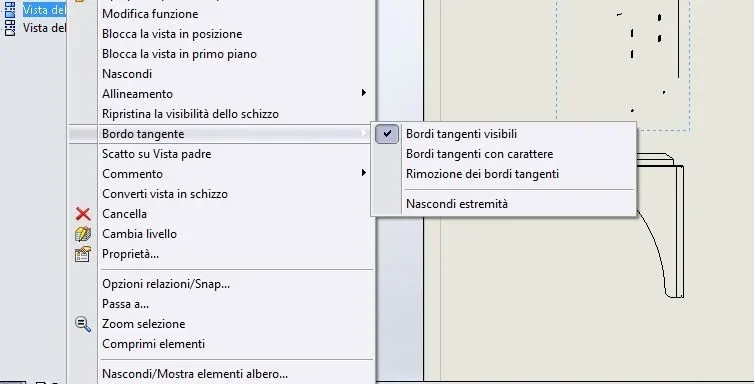
It makes you see that because it's all radiated. put visible tangent edges
I am not even saying that if there are no privacy problems the file should be attached especially if the problem arises specifically on that file.
 
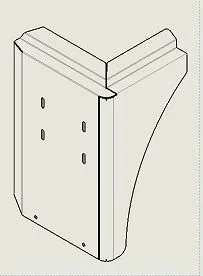
not in isometricsImmagine.webpImmagine2.webpThere's no problem at the side level. in the design environment instead the issometrica is seen badly even with tangent edges activated. I'll try to figure out what's wrong later.
 
I found the hippo... about.
the model is hurt, there are continuous surmounts of the plates and this creates troubles, which and why I do not know.
Solve the geometry of the model by trimping with appropriate size the areas that overlap and you will see that the model will appearImmagine.webp
 
I guess a statue has already made it to you in the past?! :biggrin::biggrin::
It worked! Thank you!:finger:
 

Forum statistics

Threads
44,997
Messages
339,767
Members
4
Latest member
ibt

Members online

No members online now.
Back
Top