Solid User
Guest
Hello, everyone.
I am moving the first steps in solidworks, coming from other cad3d.
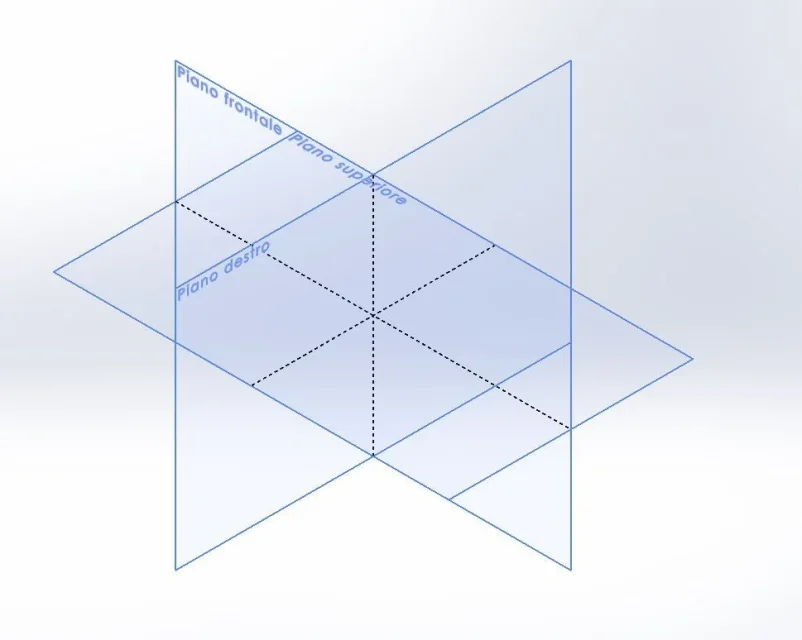
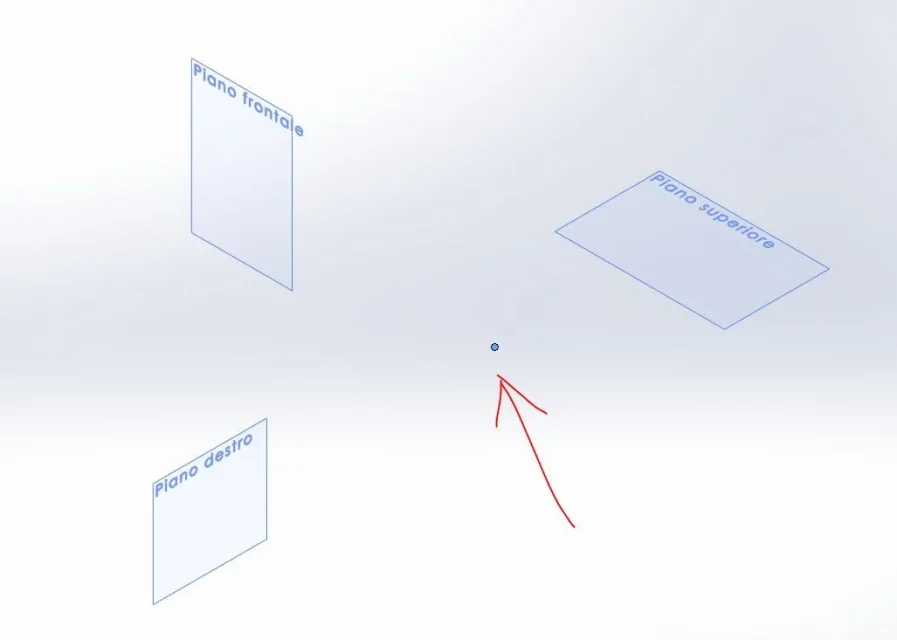
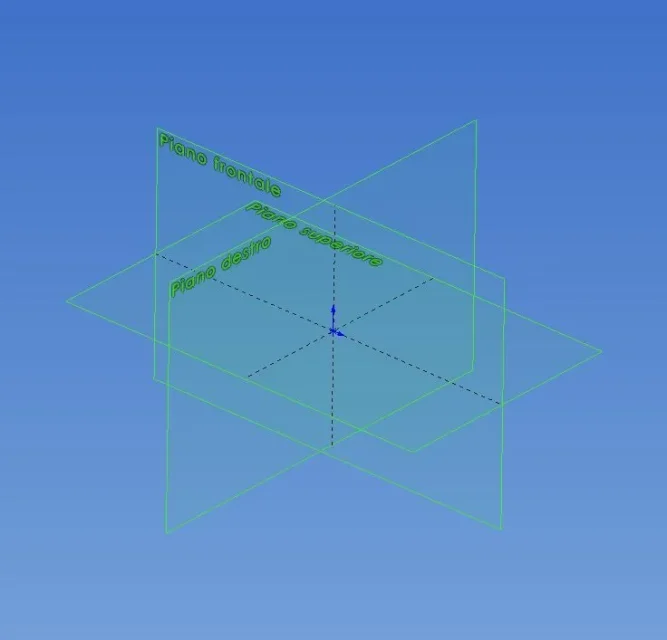
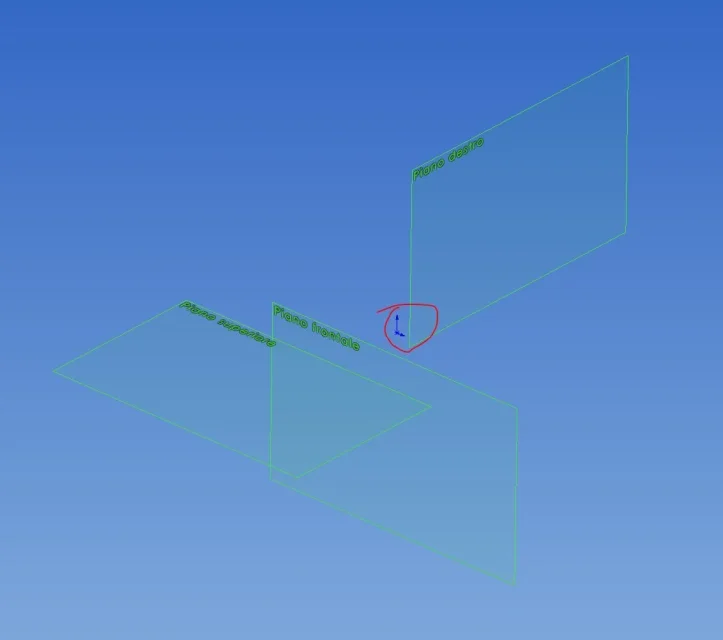
I write to ask you if there is a way to block the main reference plans in size and position. both in the environment part and in the assembly environment, if I click on a plane the four edges and the four middle points are highlighted; by clicking on it and dragging notice that the plan can flow and expand.
Is there a way to block this feature?
I would like to have the main reference plans always baricentric with the origin and a fixed measure.
Thank you, hello!
I am moving the first steps in solidworks, coming from other cad3d.
I write to ask you if there is a way to block the main reference plans in size and position. both in the environment part and in the assembly environment, if I click on a plane the four edges and the four middle points are highlighted; by clicking on it and dragging notice that the plan can flow and expand.
Is there a way to block this feature?
I would like to have the main reference plans always baricentric with the origin and a fixed measure.
Thank you, hello!