blubossa
Guest
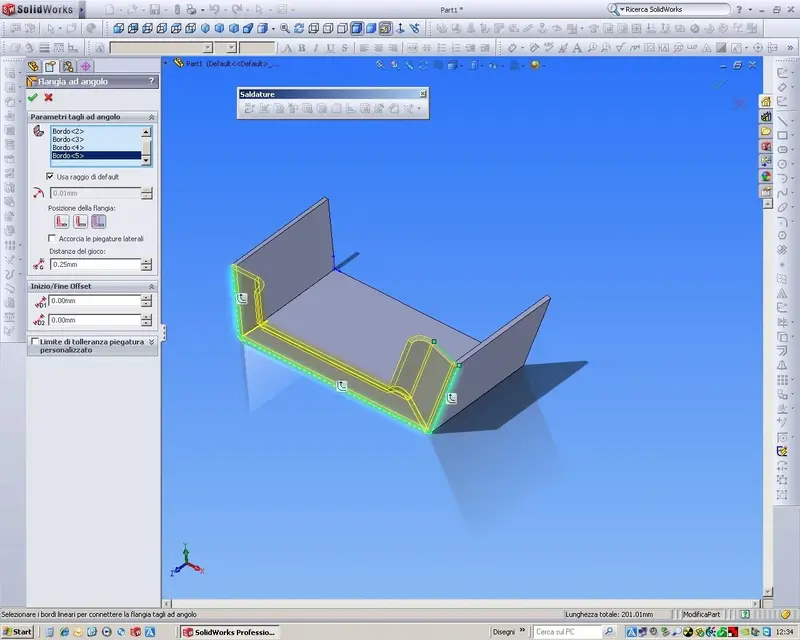
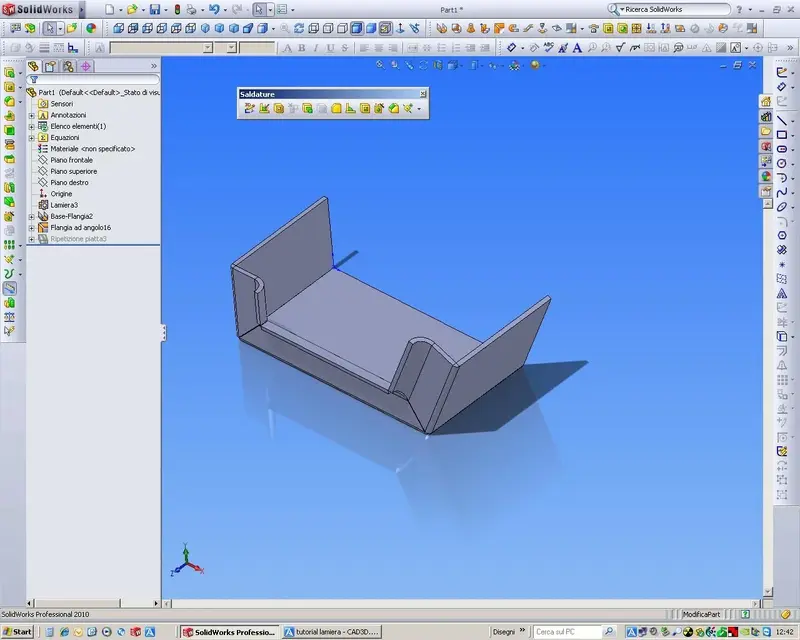
I started studying the sheet metal tutorial, but I can't find the propagating command, where is it?
Thank you.
Thank you.

very good, I also found the same problem, in the tutorial in which it makes you draw that particular sheet metalI started studying the sheet metal tutorial, but I can't find the propagating command, where is it?
Thank you.
It's not a command. It is an icon that appears when you do the sketch on the first edge and if you click on it spreads the piego on the adjacent ones.I started studying the sheet metal tutorial, but I can't find the propagating command, where is it?
Thank you.
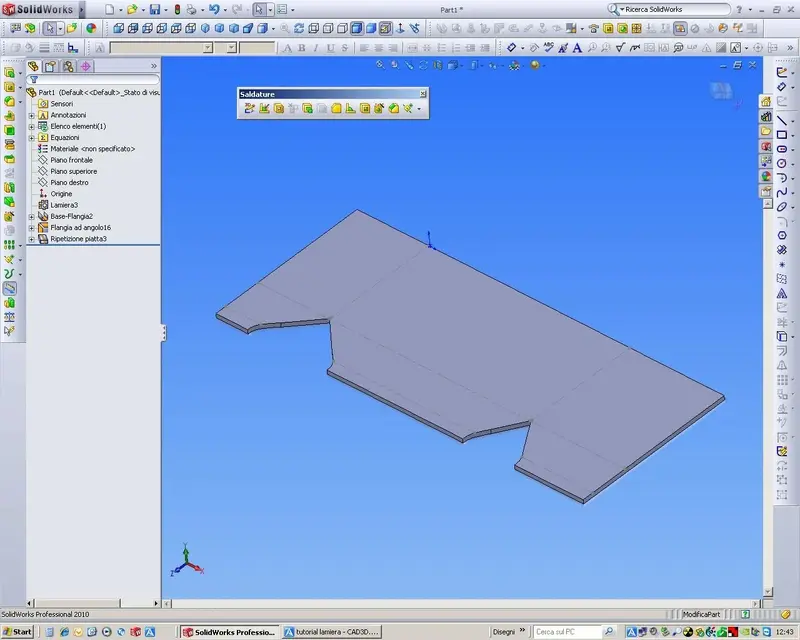
I don't understand the problem, you quote it like any other flat shape, with the addition of the necessary quotas to the marking of the fold line.I almost completed the tutorial on the sheet, but I would like to take a hint of how to quote the spreadsheet.
Thank you.
having never made sheets, and having apena made the tutorial I wanted to understand what are the odds and attentions to be kept in mind.I don't understand the problem, you quote it like any other flat shape, with the addition of the necessary quotas to the marking of the fold line.
usually quoting the max size of the virtual rectangle and thenhaving never made sheets, and having apena made the tutorial I wanted to understand what are the odds and attentions to be kept in mind.
Thank you.
Save. qui, I have already dealt with the subject thoroughly. :finger:Attached there is a processing image I would like to do on a sheet, but I don't know which command to use. I'm waiting for help.
Thank you.
I followed the tutorial, segliendo una formatura tra i found in the project library, la trascino sul lato lamiera che want deforma, ,ma misce il messaggo: si want to create a derivative part?Save. qui, I have already dealt with the subject thoroughly. :finger:
the folder must be of forming tools, or click dx on the folder that contains the part (in the top of the project library panel) and check that the check on folder forming tools is enabled. He needs to know that those parts go to "form" on the sheet.I followed the tutorial, segliendo una formatura tra i found in the project library, la trascino sul lato lamiera che want deforma, ,ma misce il messaggo: si want to create a derivative part?
If I answer, you put the part that I accidentally dragged and I can't help it.
If I answer no, it opens the part as if I have to work on it.
I certainly miss something.... but can't find out? Where am I wrong?
Thank you.
...and I add that I had also highlighted in the linked post. . .the folder must be of forming tools, or click dx on the folder that contains the part (in the top of the project library panel) and check that the check is enabled on folder forming tools. He needs to know that those parts go to "form" on the sheet.
you are perfectly right, but you know how it is when you study something new you cannot, immediately, understand well some concepts that sometimes seem superfluous....and I add that I had also highlighted in the linked post. . .
boys, let's read well the directions that various users give that
I am the result of hours and hours (migliaia, in my case) to study try and
Check options, even the least frequent.
the use of the forum I find it constructive, but there must also be
of those who use aid to an active and passive collaboration.
The ready parrot... costs.
without controversy... :finger:
the post in question is This is