GP.
Guest
to me it works normally. . .Here... .
does the message come out immediately after you clicked inside the finca or after selecting the polylinea?

to me it works normally. . .Here... .
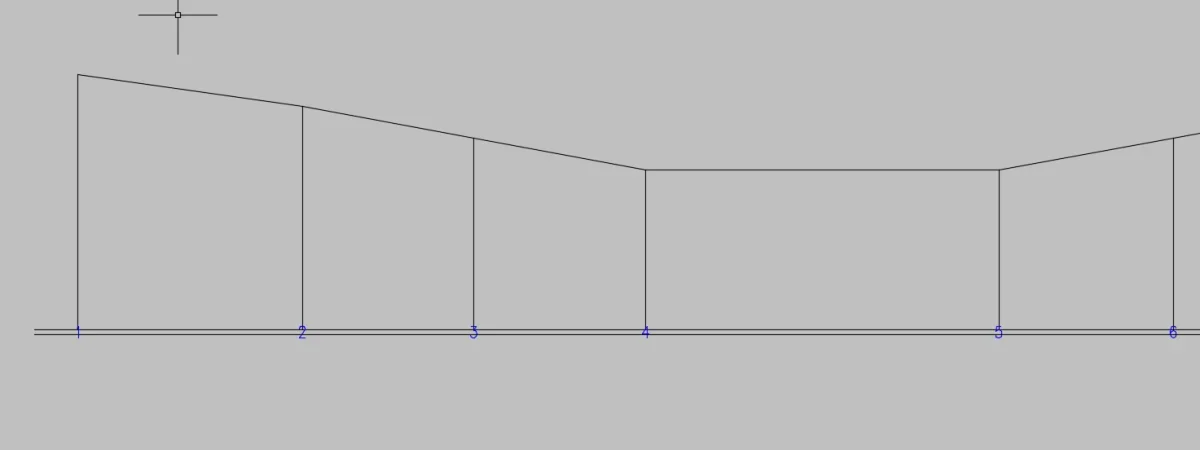
in the footage the block takes place after the selection of the profile polyline... However it doesn't seem to recognize the visual lisp functions, I don't know what to suggest if you don't try a autocad repair.immediately after clicking inside the finca.. .
probably doesn't appear at the start of autocad because you have to make another step, or you have to add it to the "starting group", always from the same window from which you called the lisp initially.good evening to all, after downloading autosez2 I uploaded it to autocad using the appload/content/add new command. I restarted the program and at startup typing asez on the command line does not work. Where am I wrong?
Hello javier, the section line you draw is on the layer "sections"? (if I don't remember badly if you have 3d entity you have to put the section line on this layer)hi gp, compliments for your quarrel, although I still can't use it.
I have a 3d level curved file, I define the section line, but an error message appears:
the section line does not cross lines or 3d polynile entities.
but instead they are polyline 3d
What did I do strange?
Thank you.
Are you sure you have set the layers of objects to treat?...appear a error message:
the section line does not cross lines or 3d polynile entities.

 and on the command bar report this

I had solved the first problem independently, and attaching the autocad mask I think I have responded to the suggested settings ... otherwise I ask for veia
in mind there are so many things, but by attaching the images I thought they were exhaustive, I attach the file. Thank you.
Thanks, I'm trying to do more evidence. the error consists of not displaying the complete cartilage, but only of the first row.I can't replicate your error, it works regularly to me. . .
in the meantime you want to take advantage to ask how you can directly upload the applications to autocad startup, without using every time _appload